See what it will print like, while you’re still designing.
Lucidi shows a file as a press will print it, makes and checks the die-line a pack is cut from, and matches colours against your own libraries.
lucido noun, Italian
A sheet of transparent film carrying one ink separation.
lucidi plural — the set: cyan, magenta, yellow, black, plus any spots.
Every ink used to get its own film. Lucidi is named after the thing it checks — and in English it reads as lucid, which it’ll take.
Drop a PDF. See every plate.
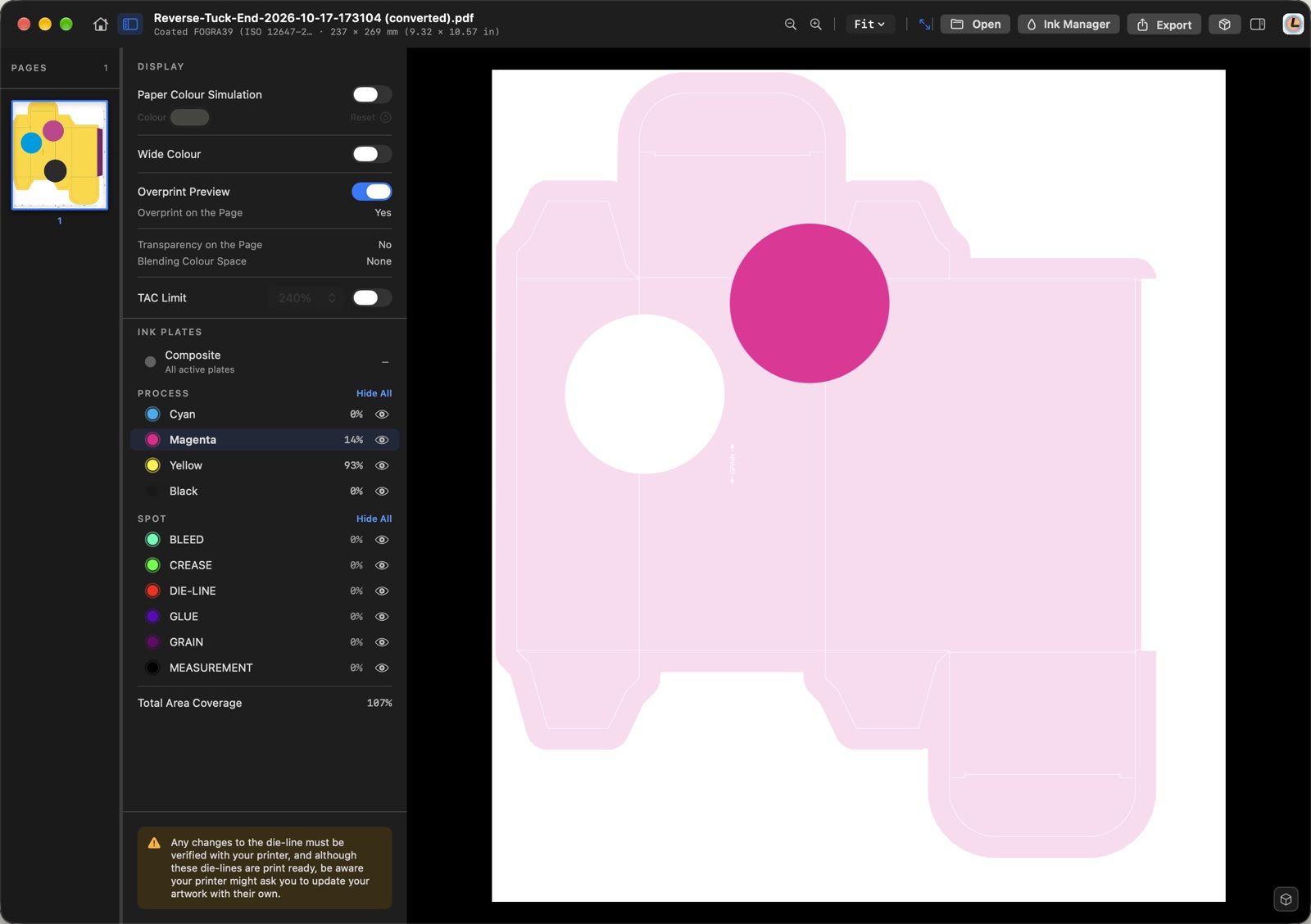
Every ink the file prints gets a plate of its own: the four process inks, then the spots and finishes. Click one to see it alone, in its own ink.
- Point at the page to read each ink’s coverage, and the total.
- A white or a metallic that falls to a tint gets a red light.
- When the page has a die-line, see it folded on its box.
- Export to PDF, .ai or .eps, spot colours kept.
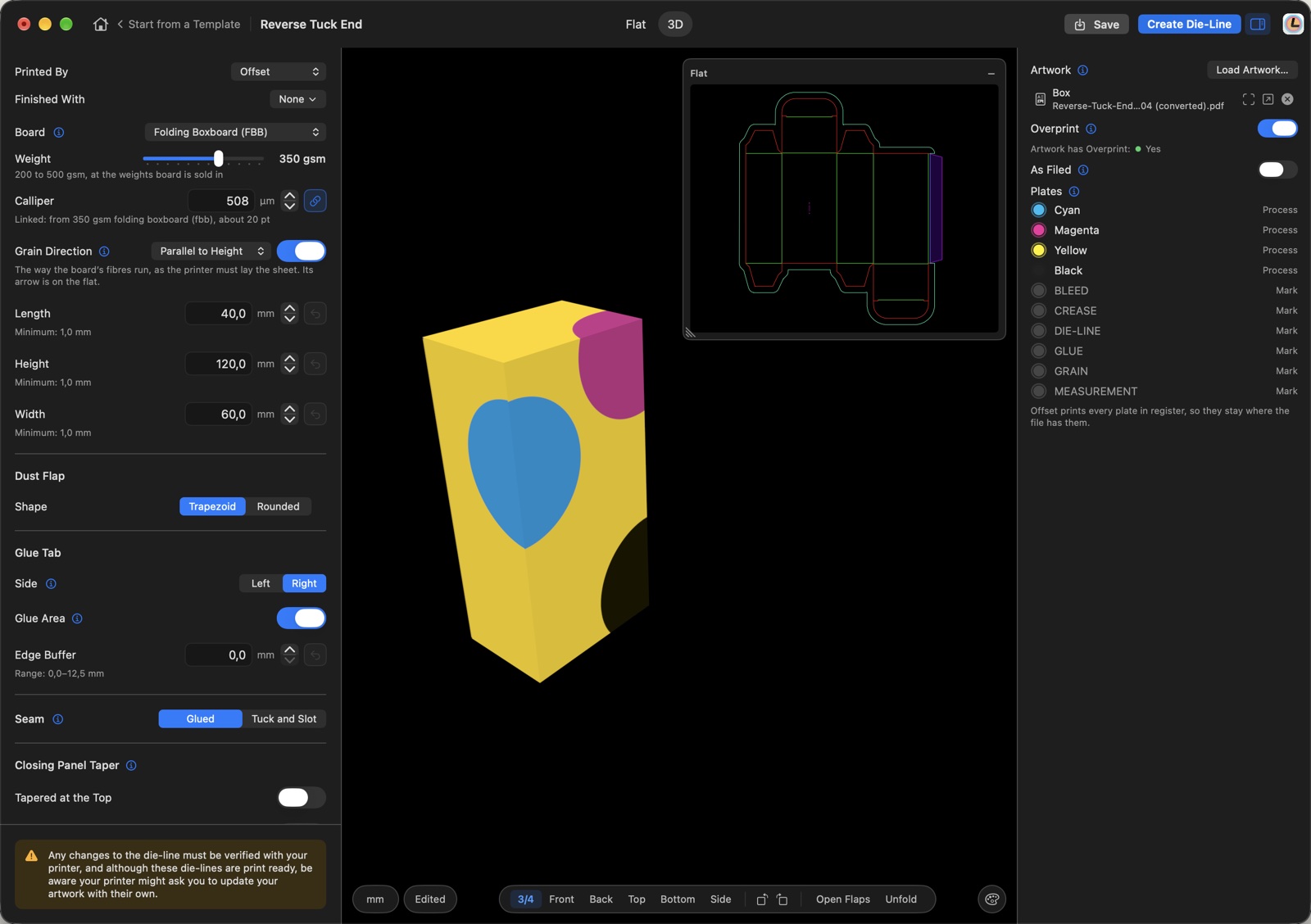
Start from a die-line that’s already right.
Pick a template and give it your sizes: the panels grow, the glue tab keeps its exact width. Or bring your printer’s PDF — Lucidi reads it exactly as drawn, and never tidies it.
- Fold it in 3D, and load your artwork onto the box.
- The bleed stops at the glue tab, and only there.
- Window and thumb notch cut where you say.
- Your own die-lines kept in folders, ready for the next job.
Match any colour to your own swatches.
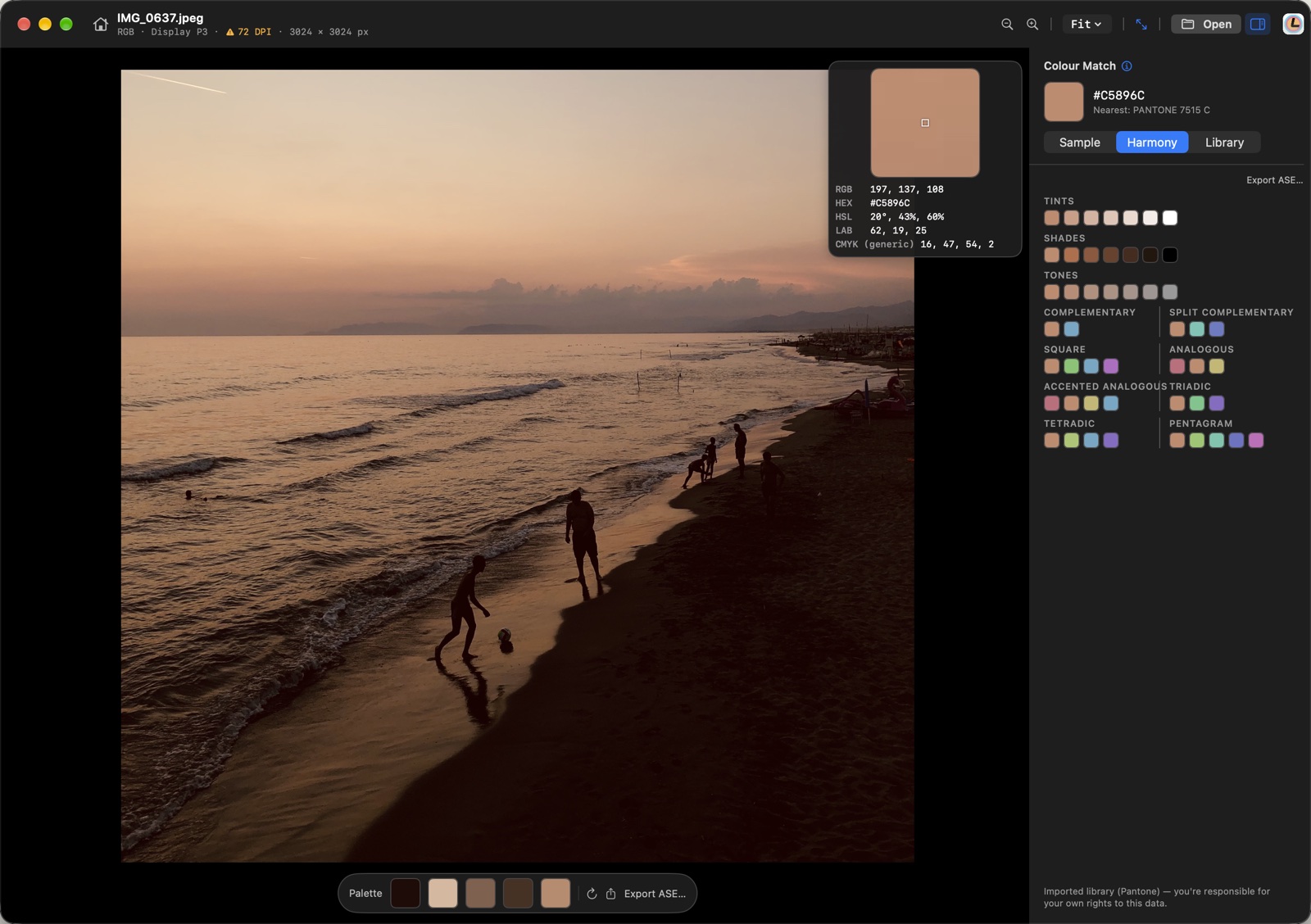
Sample a colour on the page, or in a photo, and Lucidi finds the nearest swatch in the libraries you bring. Then build harmonies from it.
- Opens PDF, JPEG, PNG and TIFF.
- Imports ASE and ACO libraries; exports ASE.
- A photograph’s own palette, read for you.
Catch it before the plate.
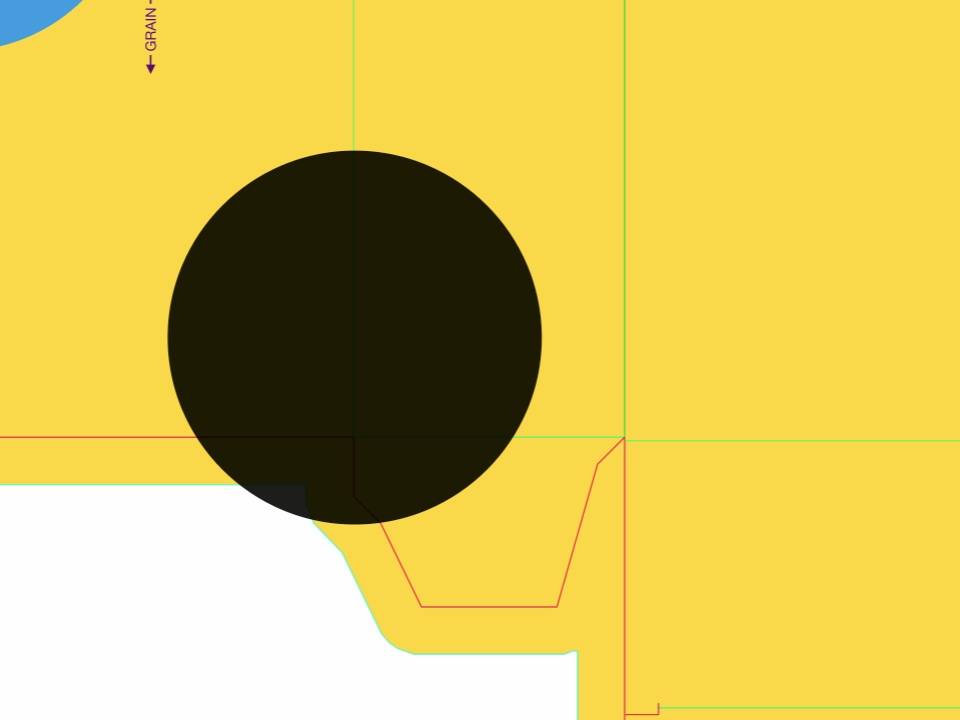
It looked perfect on screen. Then the die-line was hidden, since the press never prints it, and thin white lines showed through the artwork: the die-line had knocked out the ink beneath it. Overprint is easy to miss in a combined view, and expensive to find once the plates are made.

Four things that won’t change.
Bought once. Yours to keep.
When it’s out: one price on the Mac App Store. No subscription, no account. What you buy keeps working.
Nothing leaves your Mac.
No network connection, no analytics, no tracking. Your files stay exactly where they are.
Your artwork is never touched.
Lucidi reads your file and never writes to it. Export always makes a copy.
Made for the Mac.
Native, written with Apple’s own frameworks and no one else’s code.
A checking tool, not a proof.
What you see depends on your display, its calibration and the light in the room, and a screen can’t reproduce every ink or finish. Before a run, approve your printer’s proof — a contract proof for colour, a white sample for structure — and check the die-line with them. The printer’s proof governs.

It starts with checking.
It’s headed for making.
Most design tools show you what the page looks like. Lucidi starts by showing you what it will print like. Where it’s going is making, not only checking: one Mac app, versioned forward.
And this is just the beginning.
Follow along on Instagram, @lucidi.design →